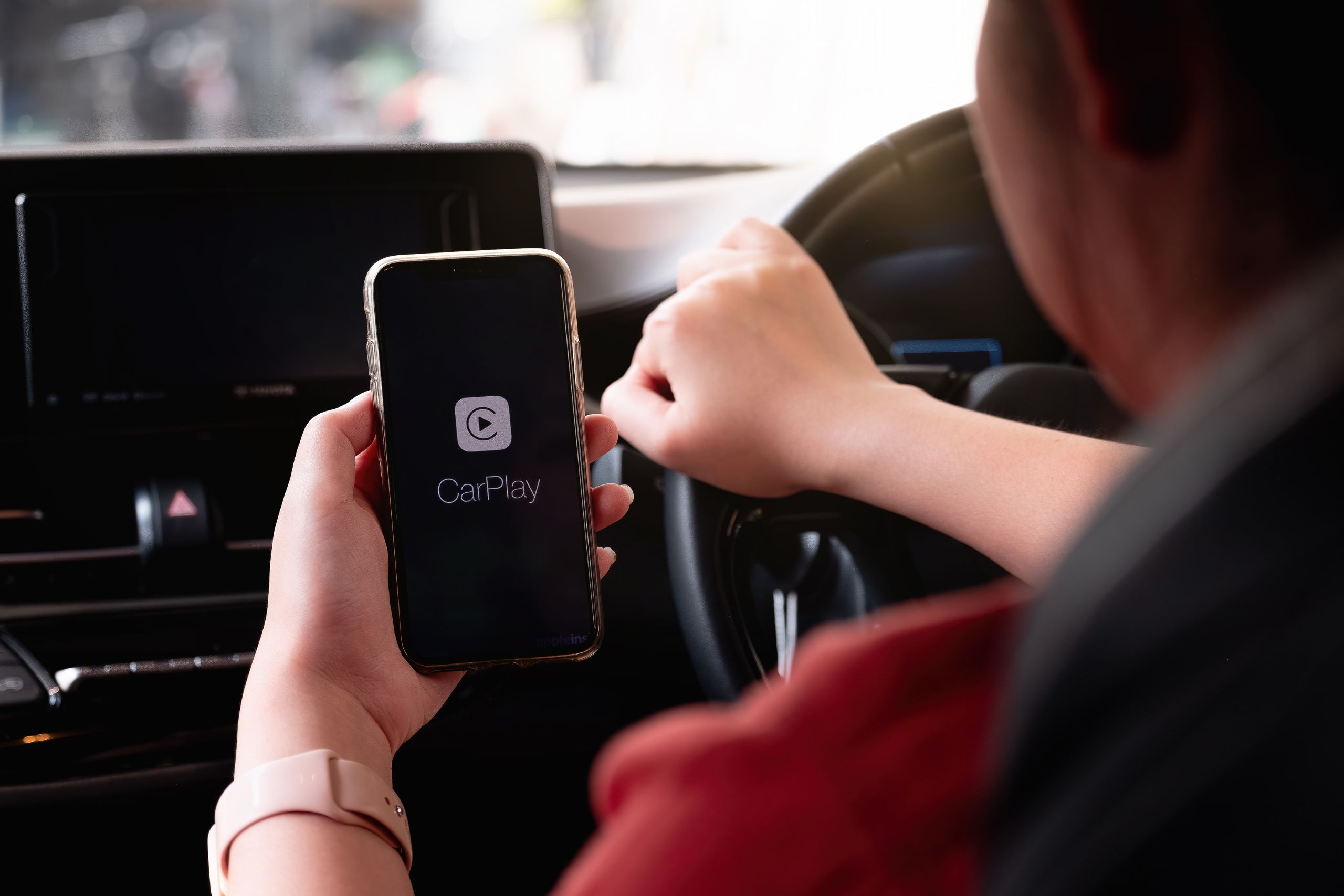
If your car’s head unit is stuck in the last decade, an Apple CarPlay/Android Auto upgrade is one of the biggest day-to-day improvements you can make.
Why upgrade?
- Safer navigation & calls: Big, clear maps with voice control keep your eyes forward.
- Music & podcasts: Stream your playlists without juggling phones.
- Messages: Dictate and listen hands-free.
- Live traffic: Reroute around holiday bottlenecks.
What to look for in a head unit
- Wireless vs wired CarPlay/Android Auto: Wireless is convenient; wired is rock-solid and charges your phone.
- Screen brightness & size: Go bright for Queensland glare; 7–9” suits most dashes.
- Compatibility: Keep factory camera/steering-wheel controls with the right interface (CANBUS/adaptors).
- Microphone & USB routing: A clean install = clearer calls and tidy cables.
Safety first
- Don’t block airbags or vents with add-on screens.
- Mount microphones away from A/C blast for better voice pickup.
- Hide wiring—no trailing leads to snag while driving.
Budget guide (examples, not brands)
- Good ($): Wired CarPlay/Android Auto, 6.8–7” screen, basic camera input.
- Better ($$): Wireless, brighter panel, dual camera inputs, better pre-amp for sound.
- Best ($$$): High-brightness anti-glare, wireless, fast boot, multiple inputs, robust integration kits.
How Auto Leaders fits in (and your warranty)
If you are considering an Apple Play or Android installation we can support you around the upgrade by checking the battery and charging system, confirming there are no electrical faults after a third-party install, and making sure your vehicle is in top condition during your logbook service. For the actual head unit supply/fit, we recommend a licensed auto electrician/installer.
To book your next service, contact us on 1800 888 618 or book online today!